Skip to content
Back to the doors

Door 04 / 04

PDF & Privacy Tools

Utilities that treat files as private by default — processing stays on the device, and nothing leaves without a reason.

How I work

05 steps

  1. 01Threat-model what must never leave the device.
  2. 02Choose a local-first architecture over a server round-trip.
  3. 03Build each tool as a small, composable pipeline.
  4. 04Remove friction: no account, no upload, no waiting.
  5. 05Verify the network tab stays empty, then ship.
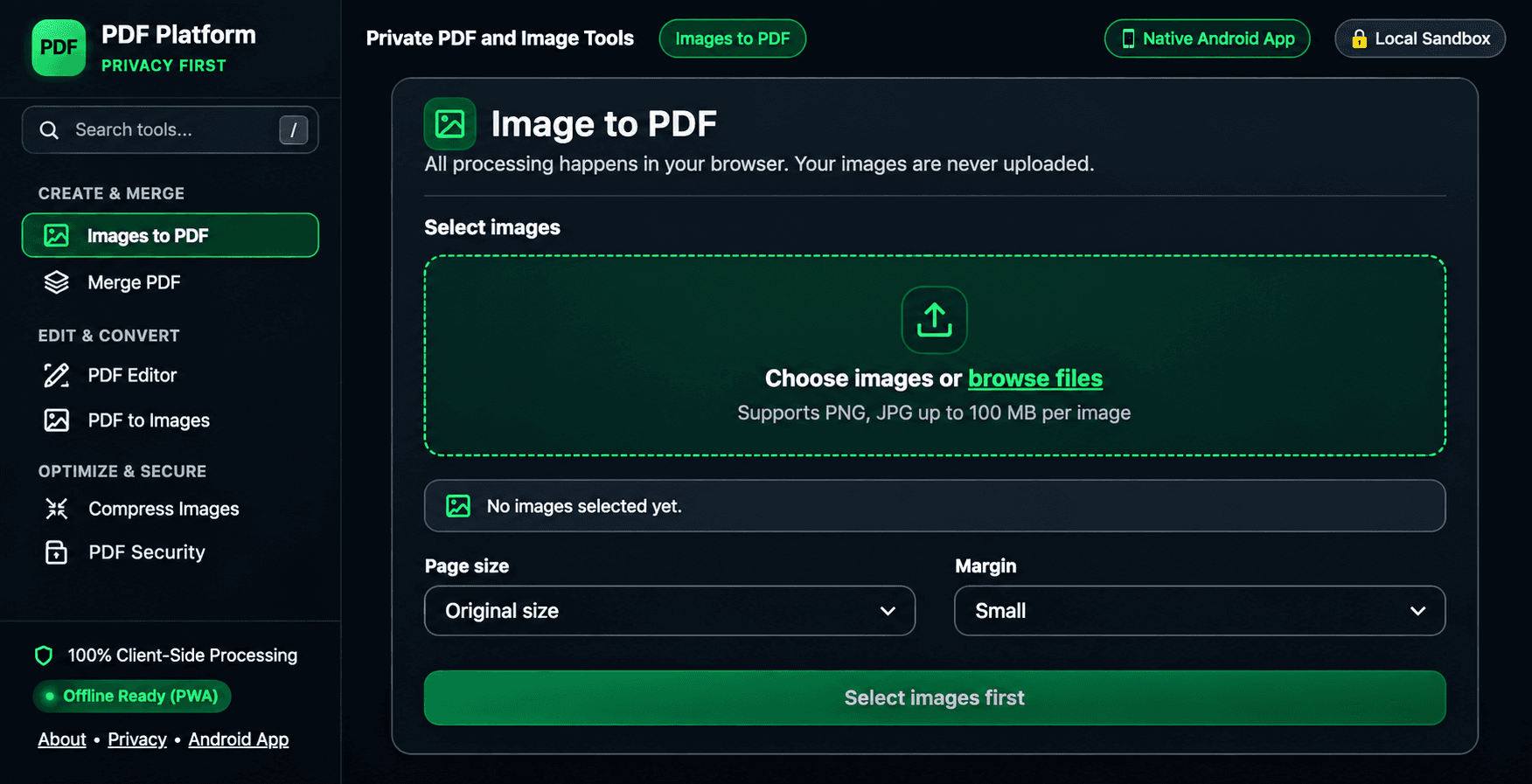
PaperFlow client-side privacy-first PDF tools suite screenshot

Solo Builder · Paused since Oct 2026

PaperFlow (web)

Privacy-first, client-side PDF tools web app. Tools: Images to PDF, Merge PDF, PDF Editor, PDF to Images, Compress Images, PDF Security. All processing in browser, images never uploaded.

Client-side onlyNo uploadsSix PDF tools
Client-side web appPrivacy-first

Note: Archived client-side demo available.
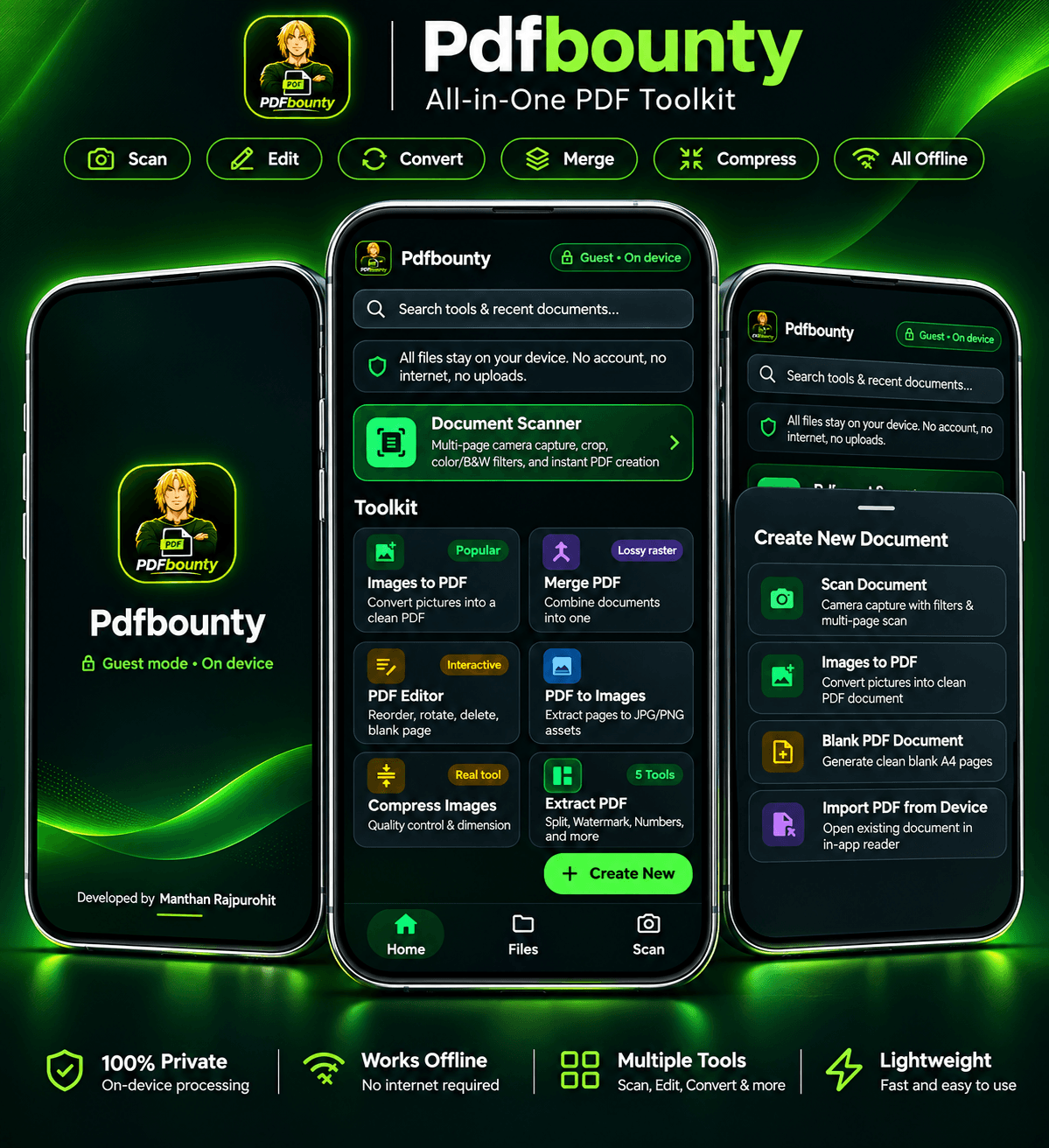
Pdfbounty on-device offline PDF toolkit Android app screenshot

Solo Builder

Pdfbounty (Android app)

On-device, privacy-first PDF toolkit app. Scan, Edit, Convert, Merge, Compress, all offline, guest mode, files stay on device, no account, no internet, no uploads.

Fully offlineGuest modeFiles stay on device
AndroidOn-device processingOffline-first